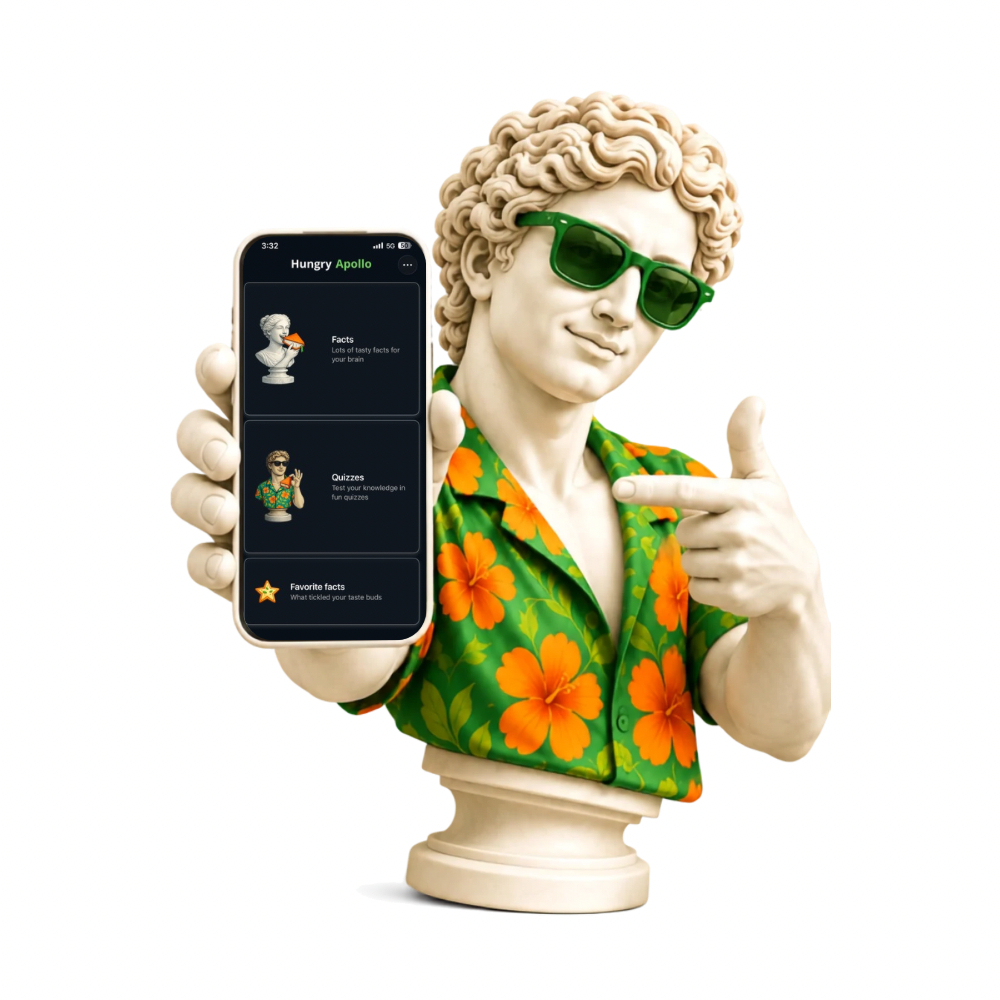
Hungry Apollo: Facts & Quizzes
Become the most interesting person in the room. Facts you'll want to know. Quizzes you'll want to take.

About
No boring encyclopedias, no schoolbook style.
Just short, vivid facts that surprise you and make you think — and quizzes to test what you actually know.

Facts
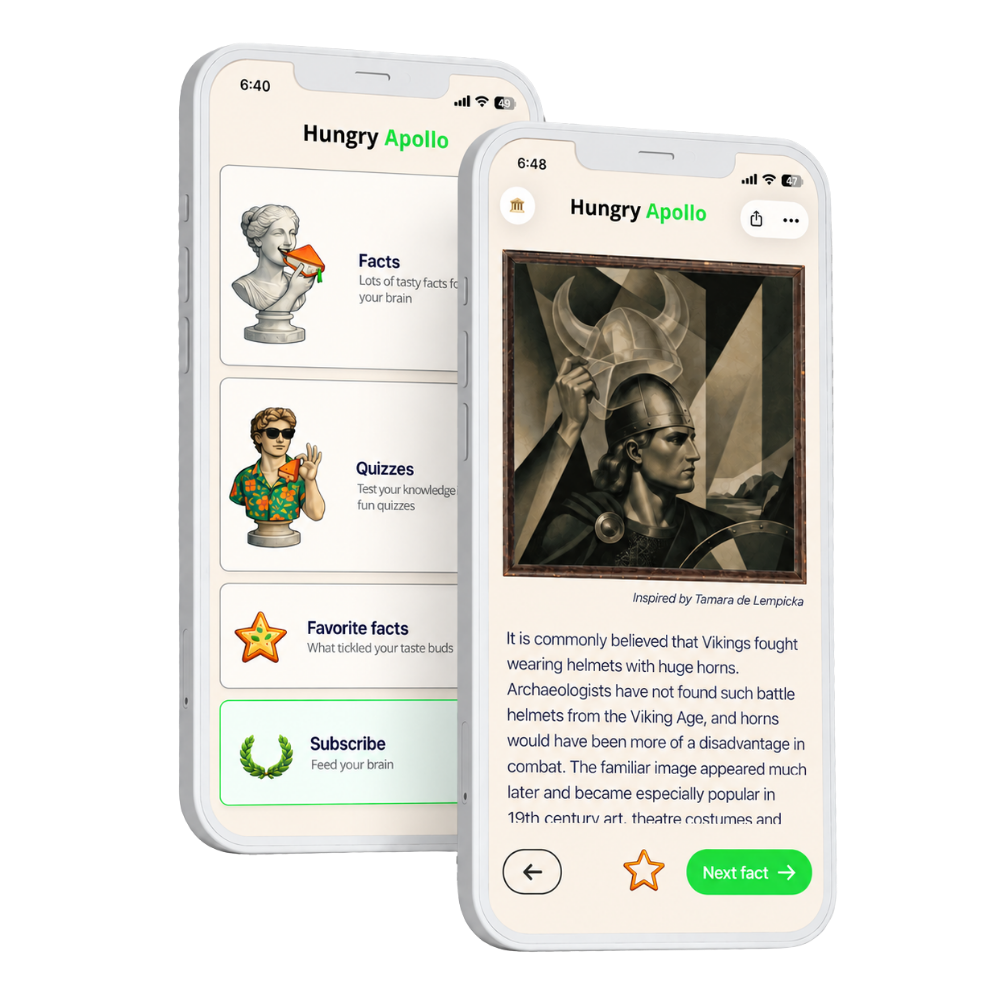
Read as much as you want, whenever you want. Science, psychology, history, art, space, human behavior — only the stuff that genuinely surprises.

Illustrations
Every fact comes with an illustration in the style of a famous painter — so the knowledge actually sticks.

Quizzes
Shuffled questions from every topic — test your general knowledge. Pick an answer and instantly see if you're right, plus something new about it.
Fact of the Day
Want to learn something new every day? Turn on reminders.

A smarter alternative to endless scrolling
Hungry Apollo gives you a quick dopamine hit — the same “one more card” reflex — but every card leaves you a little smarter.
Feed your curiosity. Chew on facts. Think bigger.
Download Hungry Apollo on the App Store
FAQ
Frequently Asked Questions about Hungry Apollo
The first facts and quizzes are free, plus a new fact of the day and quiz of the day unlock every day.
You can pay for the full version of Hungry Apollo through the App Store. Open the app's settings and choose the plan that suits you.
Facts are short cards with interesting information you can browse at your own pace. Quizzes are a separate section with questions on different topics. These are two independent modes — use either one, or both.
Every illustration is created specifically for its fact, in the style of a famous painter. You won't just remember the fact — over time you'll start recognizing art styles too.
Open Settings → tap your name at the top of the screen → Subscriptions → select Hungry Apollo → tap “Cancel Subscription”.
Open Google Play → tap your profile icon in the top-right corner → Payments & subscriptions → Subscriptions → select Hungry Apollo → tap “Cancel subscription”.
We try to check every fact and question carefully, but sometimes mistakes slip through. If you spot one, let us know via Settings → Feedback, and we'll fix it.